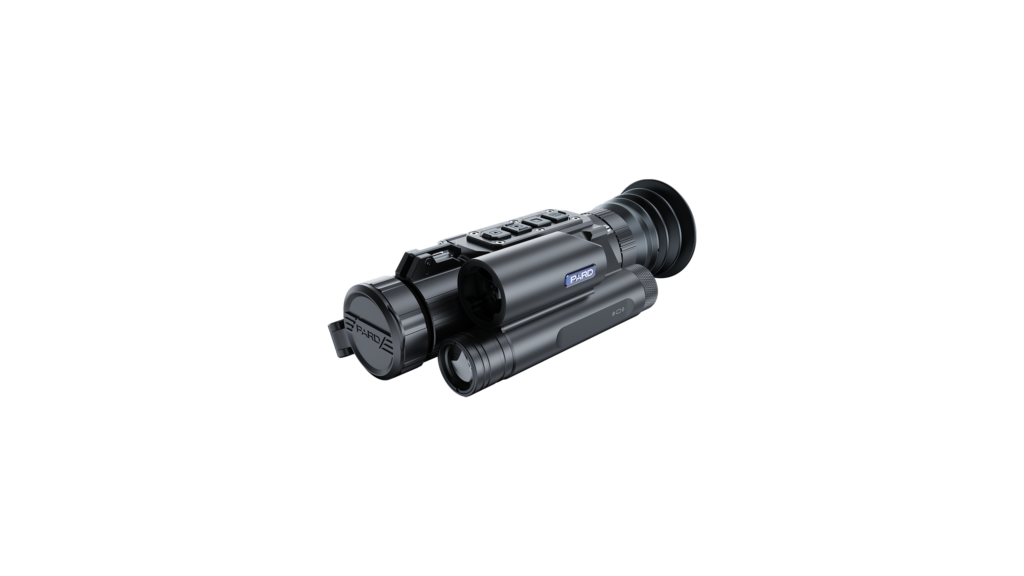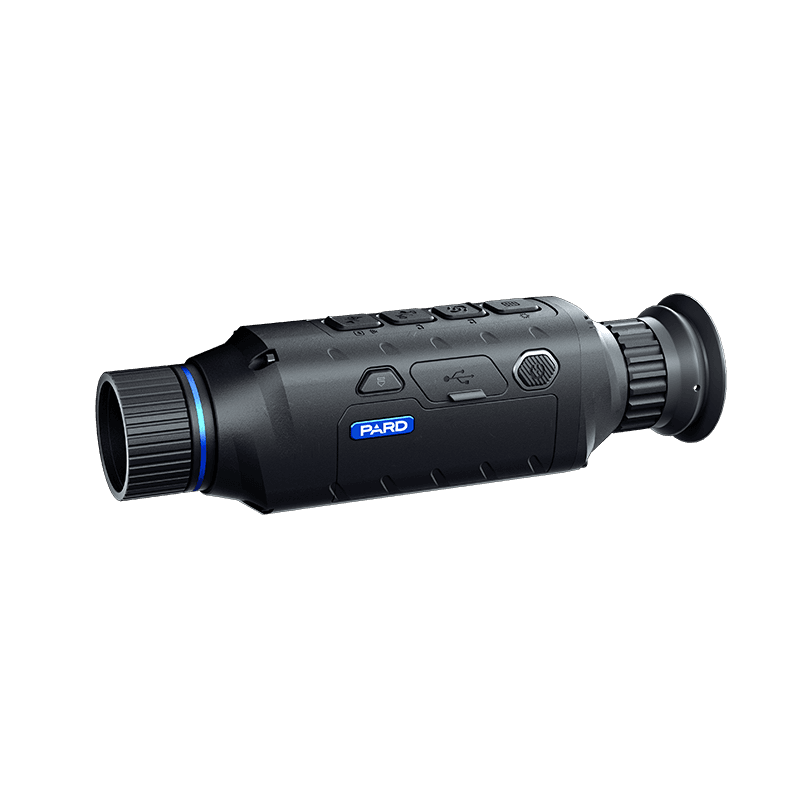
PARD Night Stalker 4K eX Night Vision Rifle Scope
Price range: £819.00 through £1,099.00 incl. VAT

Shop thermal imaging, night vision, rifle scopes, binoculars and field gear from leading brands. Use the menu to jump straight into best sellers, new arrivals and specialist product ranges.





# Accessories, Camera, Thermal, Thermal Imaging Camera
Preorder

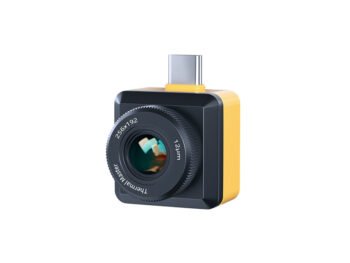
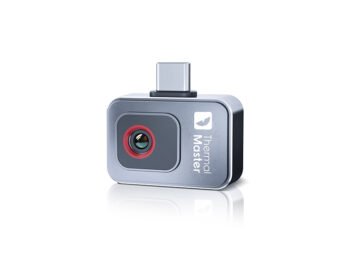
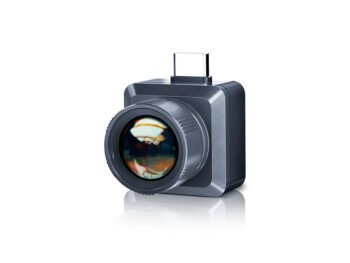
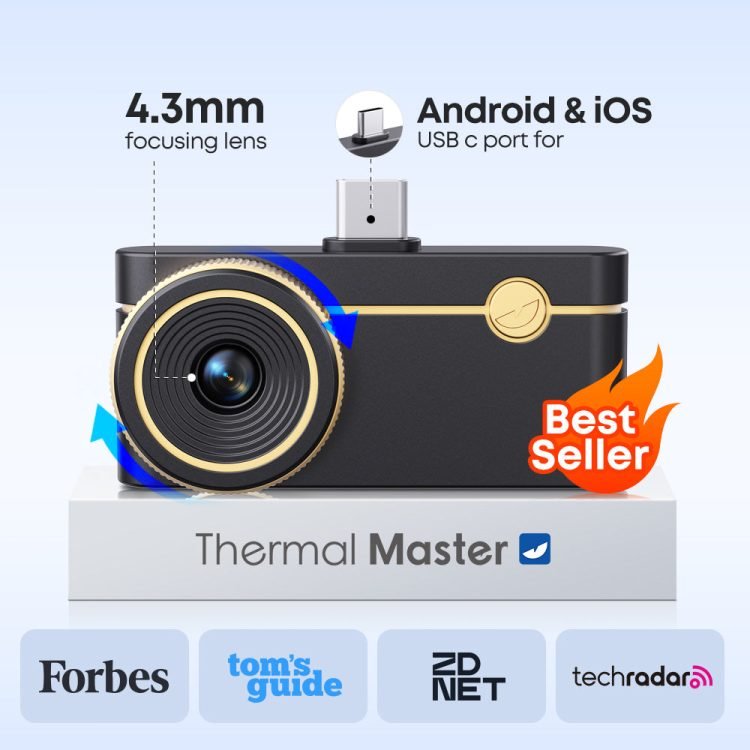
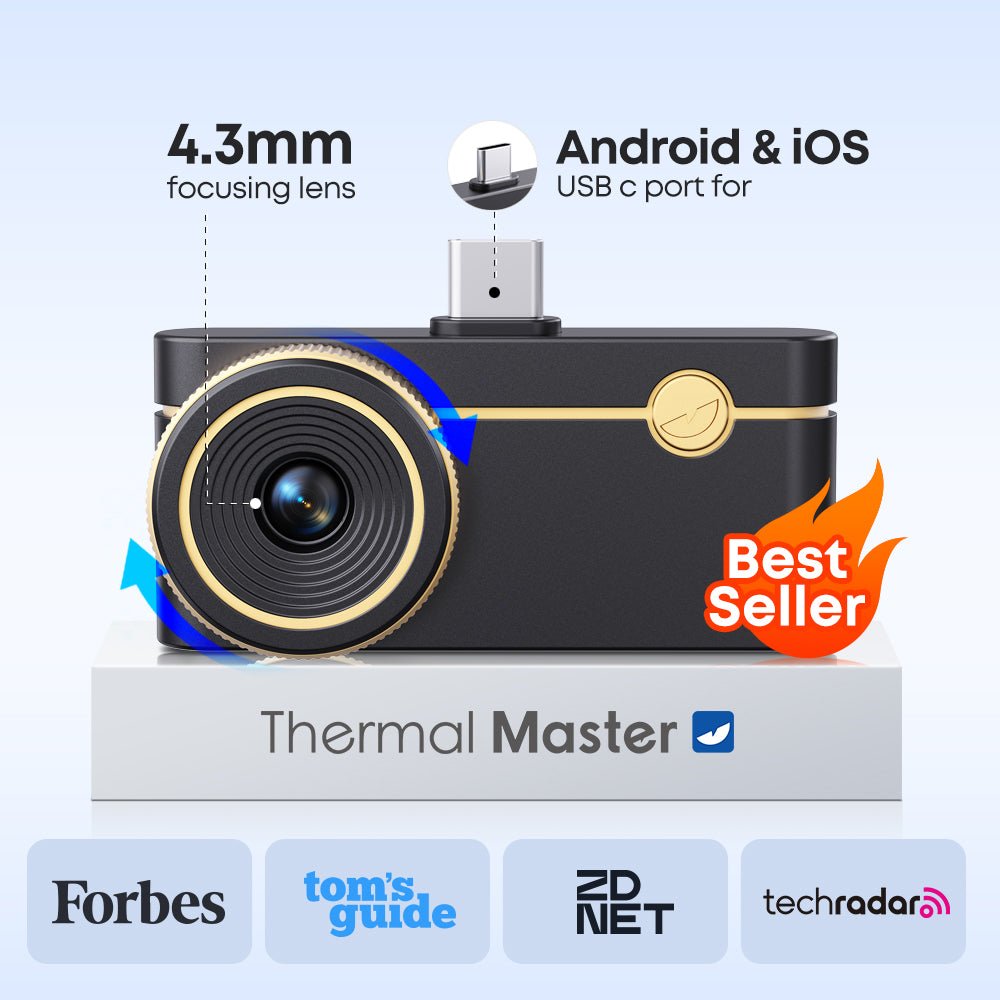
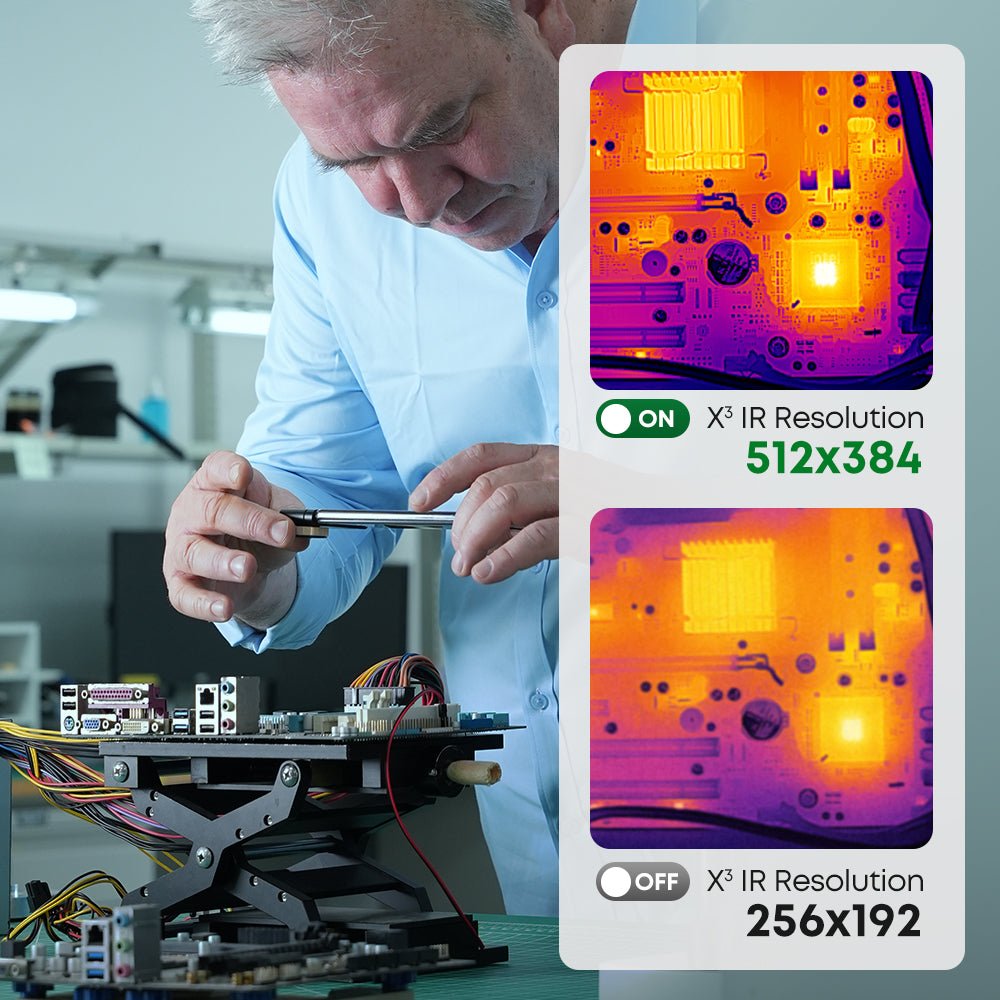
The Thermal Master P3 PCB thermal camera is designed for close inspection of circuit boards and electronic components. Its manual-focus macro lens helps bring small components into focus, and the camera is specified to identify PCB leakage down to 1 mA.
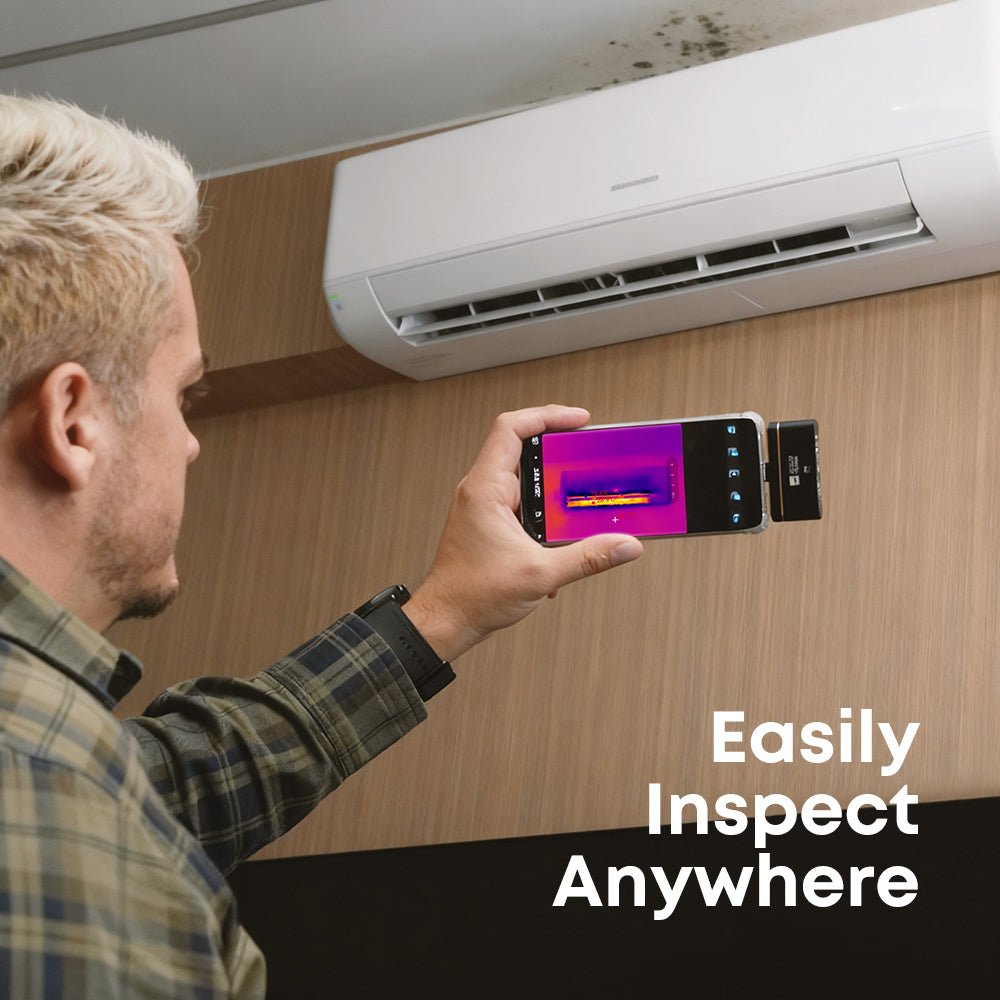
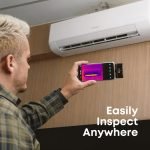
This smartphone thermal camera for PCB inspection supports electronics diagnostics, component comparison and the location of abnormal heat patterns without turning the P3 into a standalone display device. Connect it to a compatible phone, tablet or PC to view and analyse the thermal image.
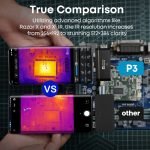
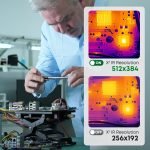
The P3 uses a native 256 x 192 VOx detector with a 12 micrometre pixel pitch. Thermal Master's X3IR processing produces a 512 x 384 thermal image, while RazorX image processing is designed to refine edge detail and reduce image noise.
A thermal sensitivity of less than 35 mK and a 25 Hz frame rate help reveal fine temperature differences and provide fluid viewing during inspection. The 4.3 mm lens has a 40 x 30.2-degree field of view for scanning components, assemblies and wider inspection areas.
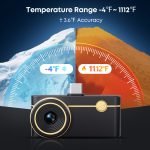
The measurement range extends from -20°C to 600°C, with stated accuracy of ±2°C or ±2% of the reading. Point, line and area measurement tools let you examine individual components, temperature changes across a path or a selected region.
Temperature alarms, isotherm display, 12 colour palettes and up to 15x digital zoom provide different ways to isolate and review thermal behaviour. IQ+ dynamic compensation is designed to respond to temperature drift and changes in the surrounding environment.
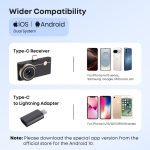
Use the P3 as a thermal camera for iPhone and Android devices, iPad or PC. Compatibility includes iPhone 8 through iPhone 16 and Android 7.0 or later. A Type-C-to-Lightning adapter and a 50 cm extension cable are included for supported connection setups.
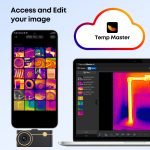
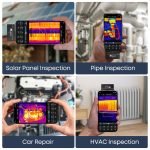
The Temp Master app supports live thermal viewing, temperature analysis and inspection records. The same compact camera can be used for PCB inspection, electrical checks, HVAC diagnostics, household maintenance and automotive troubleshooting. Confirm the connector and operating-system compatibility of the intended host device before use.
The camera measures 59 x 27 x 17.2 mm and uses 0.32 W of power. Its compact alloy body is designed for portable inspection work, storage in a tool kit and access around equipment where a larger handheld thermal camera may be less convenient.
The connector extends by 2 mm to work with most phone cases. Case design and connector depth vary, so check physical fit before beginning an inspection.
| Specification | Details |
| Brand | Thermal Master |
| Model | P3 |
| Product type | PCB thermal camera |
| Detector | VOx |
| Pixel pitch | 12 micrometres |
| Native IR resolution | 256 x 192 |
| X3IR / Super IR resolution | 512 x 384 |
| Thermal sensitivity (NETD) | <35 mK at 25°C |
| Frame rate | 25 Hz |
| Temperature measurement range | -20°C to 600°C |
| Temperature accuracy | ±2°C or ±2% of the reading |
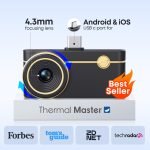
| Focal length | 4.3 mm |
| Focus mode | Manual focus with macro lens |
| PCB leakage detection | Down to 1 mA |
| Field of view | 40 x 30.2 degrees |
| Digital zoom | Up to 15x |
| Colour palettes | 12 |
| Measurement tools | Point, line and area measurement; temperature alarms; isotherm |
| Image processing | X3IR, RazorX and IQ+ dynamic compensation |
| App | Temp Master |
| Compatible device types | iPhone, iPad, Android phones and PCs |
| iPhone compatibility | iPhone 8 through iPhone 16 |
| Android requirement | Android 7.0 or later |
| Connector support | Type-C and Lightning via the included adapter |
| Power consumption | 0.32 W |
| Dimensions | 59 x 27 x 17.2 mm |
| Body material | Alloy |
| Connector extension | 2 mm; designed to work with most phone cases |
The P3 is designed for PCB and electronic-component inspection and can also support electrical, HVAC, household and automotive thermal checks.
No. The native VOx detector resolution is 256 x 192. Thermal Master's X3IR processing produces the stated 512 x 384 thermal image.
It measures from -20°C to 600°C, with stated accuracy of ±2°C or ±2% of the reading.
Compatible device types include iPhone, iPad, Android phones and PCs. Compatibility includes iPhone 8 through iPhone 16 and Android 7.0 or later. Confirm the connector and operating-system compatibility of the intended host device before use.
The P3 supports point, line and area temperature measurement, alarms, isotherm display, 12 colour palettes and up to 15x digital zoom.
The package contains the P3 thermal camera, portable case, Type-C-to-Lightning adapter, 50 cm extension cable, user manual and packing box.
The P3 connects to a compatible phone, tablet or PC for live viewing and analysis; it does not provide a separate built-in viewing screen.